

Lighting and sound where you work
Clear video messages do not need a studio. A few small changes to light, sound and camera position can make your prospecting, follow-up and onboarding videos easier to watch and easier to trust.
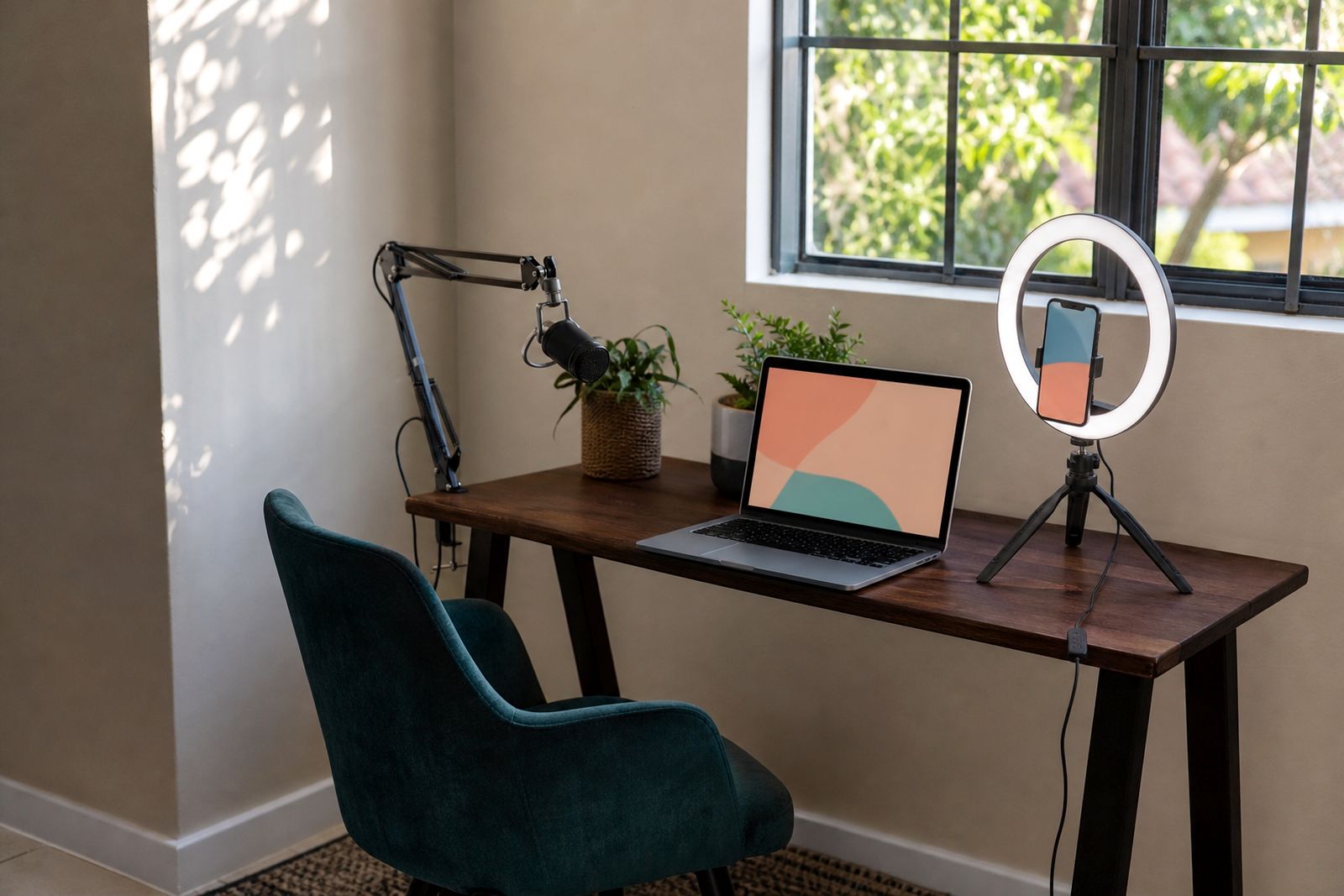
Start with the light you already have
The best place to begin is with the room you already work in. Most sales reps record from an office, meeting room, home workspace or shared floor, so the aim is not perfection. The aim is a clear face, steady picture and sound that does not distract from your message.
Before you record, look at your preview and check whether your face is brighter than the background. If the window is behind you, your camera will often darken your face and leave you looking like a silhouette. Turn around so the window or main light source is in front of you or slightly to one side. Even on overcast Johannesburg mornings this usually gives softer, more flattering light.
Late afternoon sun can shift quickly, so if you record a batch of videos in one sitting, keep an eye on changing shadows across your face. In summer, bright patches through blinds can make the video look uneven and a bit harsh.
- Face the window, do not sit with it behind you.
- Use one main light source rather than several competing ones.
- Close blinds if direct sun creates hard lines on your face.
- Move half a metre left or right if one side of your face is too dark.
- Check the preview again before each recording session.
Get your face evenly lit
People connect with a person, not just a script. If your face is dim, patchy or shadowed from above, the message feels less direct. Overhead office lights often create dark eye sockets and shine on the forehead, especially in boardrooms with bright ceiling panels. A simple front-facing lamp can help balance that out.
If you use an extra light, place it just above eye level and slightly off-centre. You want enough light to lift your face without making the skin look shiny. A sheet of white paper on the table or a pale wall nearby can also reflect a bit of light back onto your face. It sounds small but it helps.
Try to avoid mixed colour temperatures where one light is warm yellow and another is cool white. That can make skin tones look odd. If possible, switch off one light source and keep the setup simple.
- Raise the camera so it is near eye level.
- Place any extra light in front of you, not directly above.
- Reduce shine by moving the light slightly to the side.
- Keep the brightest area on your face, not on the wall behind you.
Choose a quiet spot before you press record
Good sound matters more than most people think. Prospects will forgive an ordinary background faster than they will forgive echo, road noise or a voice that sounds far away. If your viewer has to strain to hear you, the message loses momentum.
Start by listening to the room with your own ears. Air conditioners, extractor fans, traffic, generators during load-shedding changeovers, and open-plan office chatter all show up strongly on video. Hard surfaces such as glass walls, tiled floors and empty meeting rooms can also create echo.
A smaller furnished room usually sounds better than a large bare one. Curtains, carpets, bookshelves and upholstered chairs absorb sound and soften the room. If you can close a door, do it. If you cannot, record at a quieter time of day and keep the message short.
- Turn off fans or noisy air conditioners for the minute you record.
- Close windows if traffic, birds or construction noise is coming through.
- Avoid kitchens, passages and empty boardrooms.
- Choose a room with soft furnishings where possible.
- Record a five-second test and listen back before sending.
Position the camera and microphone properly
Most reps record with a laptop or phone. Both can work well if they are positioned properly. Keep the camera at eye level so you appear present and engaged. If the camera is too low, the angle is unflattering and the ceiling takes over the frame. If it is too high, you can look distant.
Frame yourself from roughly mid-chest upward with a little space above your head. That gives enough room for natural gestures without making you look tiny in the frame. Sit close enough to the microphone that your voice sounds direct. If you are too far back, the room sound becomes more obvious.
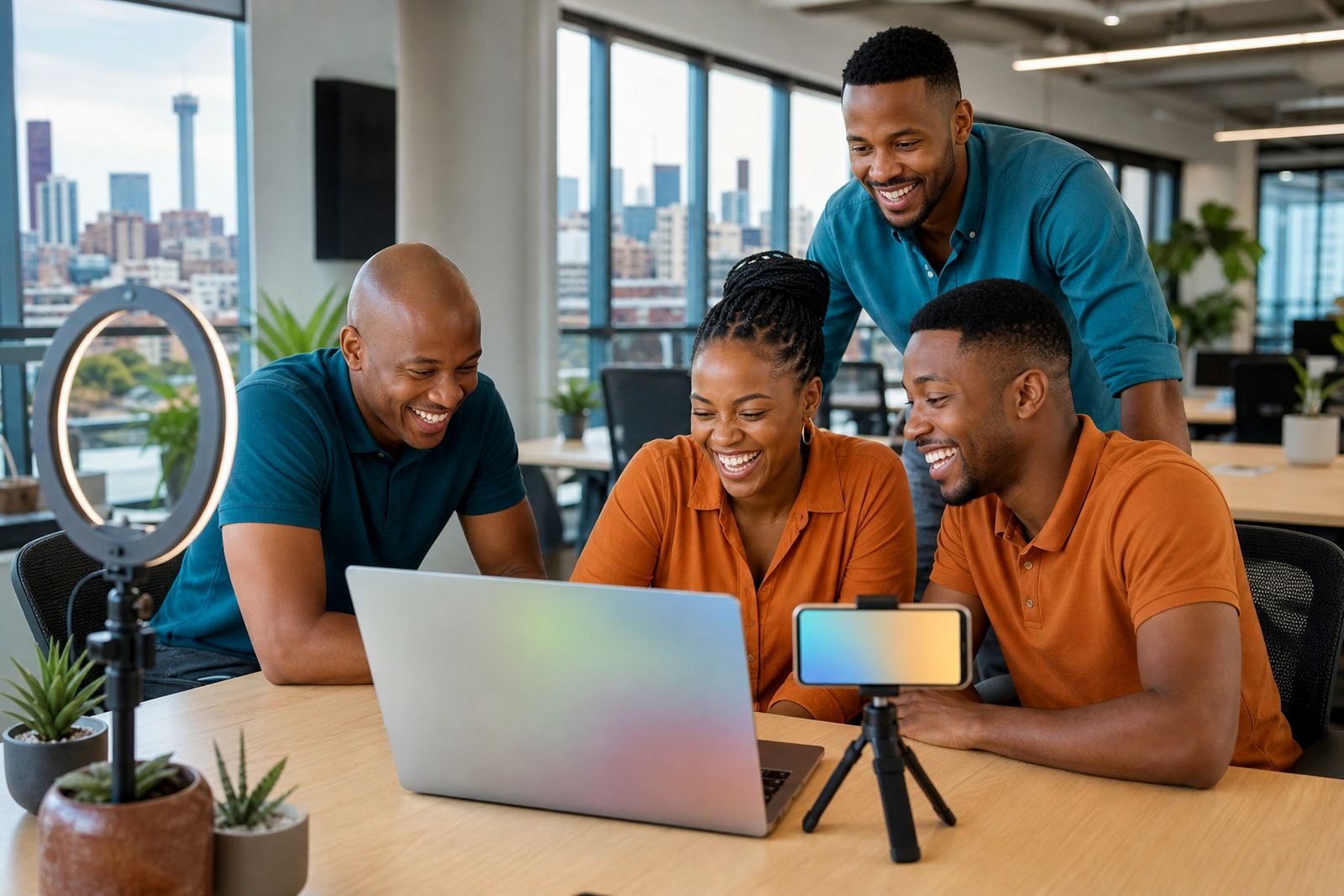
When using a phone, prop it on a stable surface rather than holding it in your hand. Handheld recording often introduces movement and changing sound levels. On a laptop, lift the device with a stand or a pile of books so the lens meets your eyes more naturally.
Keep the background tidy but not distracting. A plain wall, bookshelf or neat office corner works well. You do not need a perfect room just one that keeps attention on you.
Do a quick pre-recording check
A short checklist saves time and avoids sending a weak first take. This is especially helpful when the team is recording prospecting videos between calls or sending follow-ups after meetings. Thirty seconds of checking can prevent glare, muffled sound or a flat battery halfway through.
Use the same routine each time so it becomes automatic. Teams that adopt a simple recording habit tend to get more consistent results across different reps and locations, whether they are in Bryanston, Pretoria, Durban or working remotely.
- Clean the camera lens.
- Check that your face is well lit.
- Listen for background noise and pause if needed.
- Make sure notifications are muted.
- Look into the camera for the opening line.
- Keep water nearby if you are recording several videos.
- Review one test clip for sound and framing.
Keep it natural, not overproduced
The purpose of a personalised sales video is to feel direct and human. Clean light and clear sound help, but the setup should still feel like a real conversation. If you spend too long chasing a perfect environment, recording becomes a chore and reps avoid it.
A practical standard is better than a fancy one. Aim for a clear face, easy-to-hear voice and simple background. Once those are in place, focus on delivery. Speak a touch slower than you would in a meeting, smile on the first line and leave a brief pause before you stop the recording. That makes the video feel calmer and more confident.
If your workspace changes day to day, build a few go-to spots you can use quickly. One window-facing chair, one quiet meeting room, one corner away from the main office traffic. That kind of repeatable setup makes recording easier when the day gets busy.
Done well, your lighting and sound should disappear into the background so the viewer pays attention to your message not the room you recorded in.
What our Video Sales Software customers say
Verified Google reviews
Questions we get asked
Do I need special lighting to record a sales video?
No. Natural window light or a simple front-facing lamp is often enough. What matters most is that your face is brighter than the background and free from heavy shadows.
What is the biggest sound mistake in everyday video messages?
Recording too far from the microphone in a noisy or echoing room. Move closer to the device, close the door and do a short test clip before sending.
Should the background be plain?
Plain is helpful but it does not need to be empty. A neat office corner, shelf or meeting room background works well if it is not drawing attention away from you.
Also worth a look
Tell us about the job
Send sizes, materials and where you are through our contact form, and we will come back with the practical options.
Open the contact form