

For sales teams
Different sales teams use personalised video in different ways, depending on deal size, sales cycle and how much trust they need to build early. This page helps you compare the main use cases so you can choose the right approach for your team.

Where personalised video fits in a sales team
Personalised video works best where a rep needs to be seen and heard, not just read. In busy inboxes, a short video can add tone, context and a clearer next step than plain text alone. For South African teams selling into Johannesburg, Cape Town, Durban and smaller regional centres, that matters when prospects are comparing several suppliers and every reply takes effort.
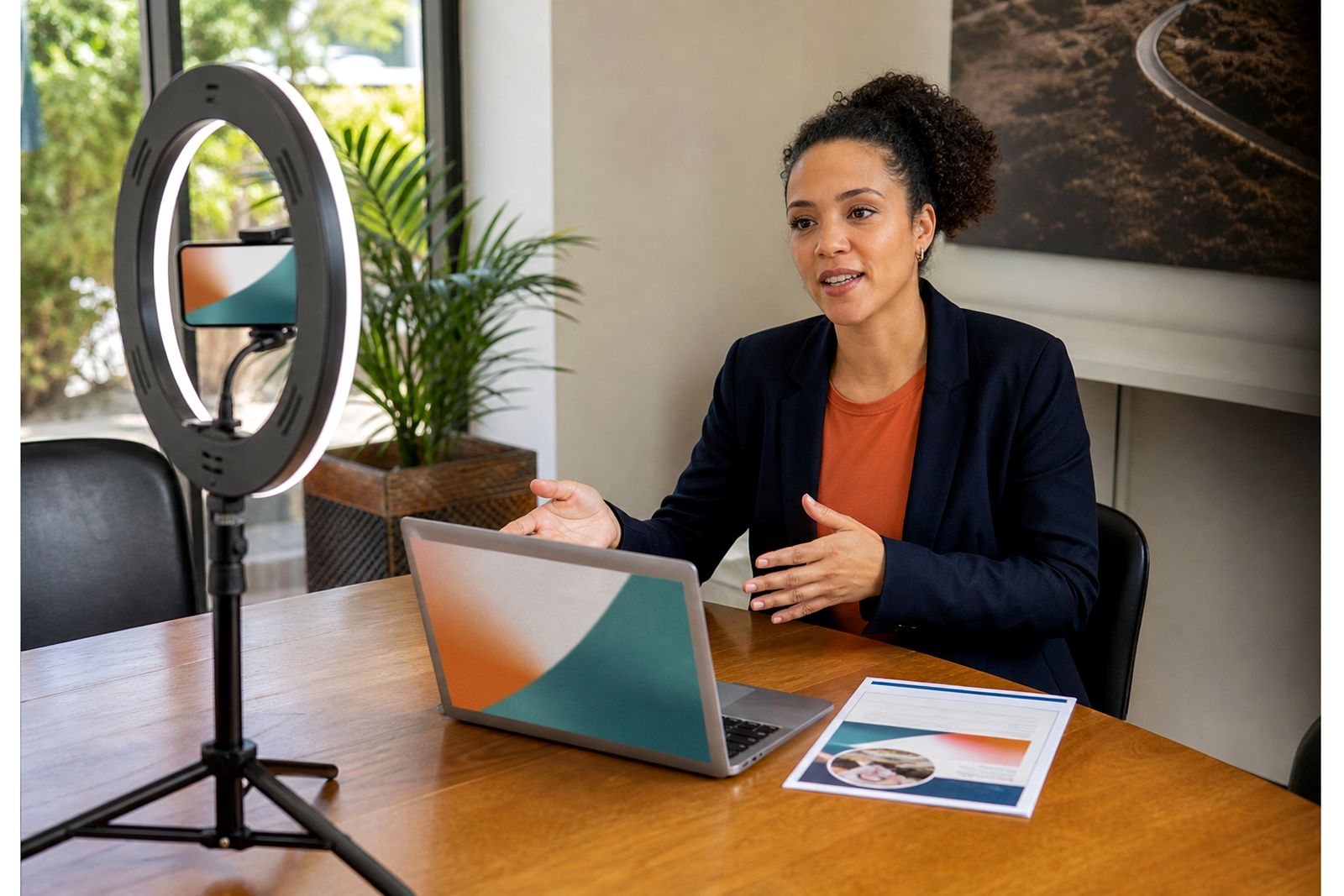
Our platform is built for sales teams that want a simple recording and sending process. Reps can record from a browser or phone, combine screen and camera when they need to explain something visually, and send prospects to a clean video landing page. Managers also get view tracking and team analytics, which helps with coaching and rollout.
This section of the site covers the main team types and use cases. If you sell complex B2B services, or if you work in property or motor sales, the way you use video will differ slightly from a team focused on high-volume outreach.
Choose the right use case for your sales cycle
The easiest way to choose is to start with the point in the sales process where replies tend to slow down. Some teams need better first-touch prospecting. Others need stronger follow-up after a call, a quote or a viewing. In longer cycles, onboarding content can also reduce repeat questions and help clients feel looked after.
- Prospecting: Best when cold outreach feels flat and reps need a more human introduction.
- Follow-up: Useful after meetings, demos, quotes or site visits when clarity and momentum matter.
- Onboarding: Helps new clients understand next steps without long back-and-forth email chains.
- Internal coaching: Good for managers rolling out a repeatable video habit across the team.
If your team is new to being on camera, start with follow-up first. It is usually easier for reps to record a short recap for someone they have already spoken to than to send a first-touch video to a cold prospect. Once confidence improves, prospecting becomes much simpler.
B2B sales teams usually need clarity and trust
B2B teams often sell services, systems or ongoing supply arrangements with several decision-makers involved. In these cases, personalised video is less about showmanship and more about clarity. A rep can summarise the problem discussed, highlight the relevant documents on screen, and explain the next step in under a minute.
This approach works well when buyers are pressed for time or joining calls between meetings. It also helps when loadshedding has interrupted a live conversation and the prospect needs a quick recap later. A simple screen-plus-camera video can replace a long email thread and keep the process moving, even if only one stakeholder watched it at first.
- Use a short introduction for first contact with named relevance.
- Use screen share for proposals, timelines and scope summaries.
- Use thank-you videos after meetings to confirm actions and deadlines.
- Use onboarding videos to introduce the handover from sales to delivery.
Property and motor sales need speed and presence
In property and motor sales, response time matters a lot. Buyers and renters often enquire with multiple sellers in one sitting, and the first useful reply gets attention. Personalised video gives the rep a quick way to acknowledge the enquiry, answer one or two obvious questions and invite the next step.
These teams also benefit from video because the product is visual. A short message can point out key details, explain finance or admin steps, or confirm availability before a viewing or test drive. The goal is not to produce polished advert-style content. It is to make the prospect feel that a real rep is helping them directly, which can make a big difference when competition is close.
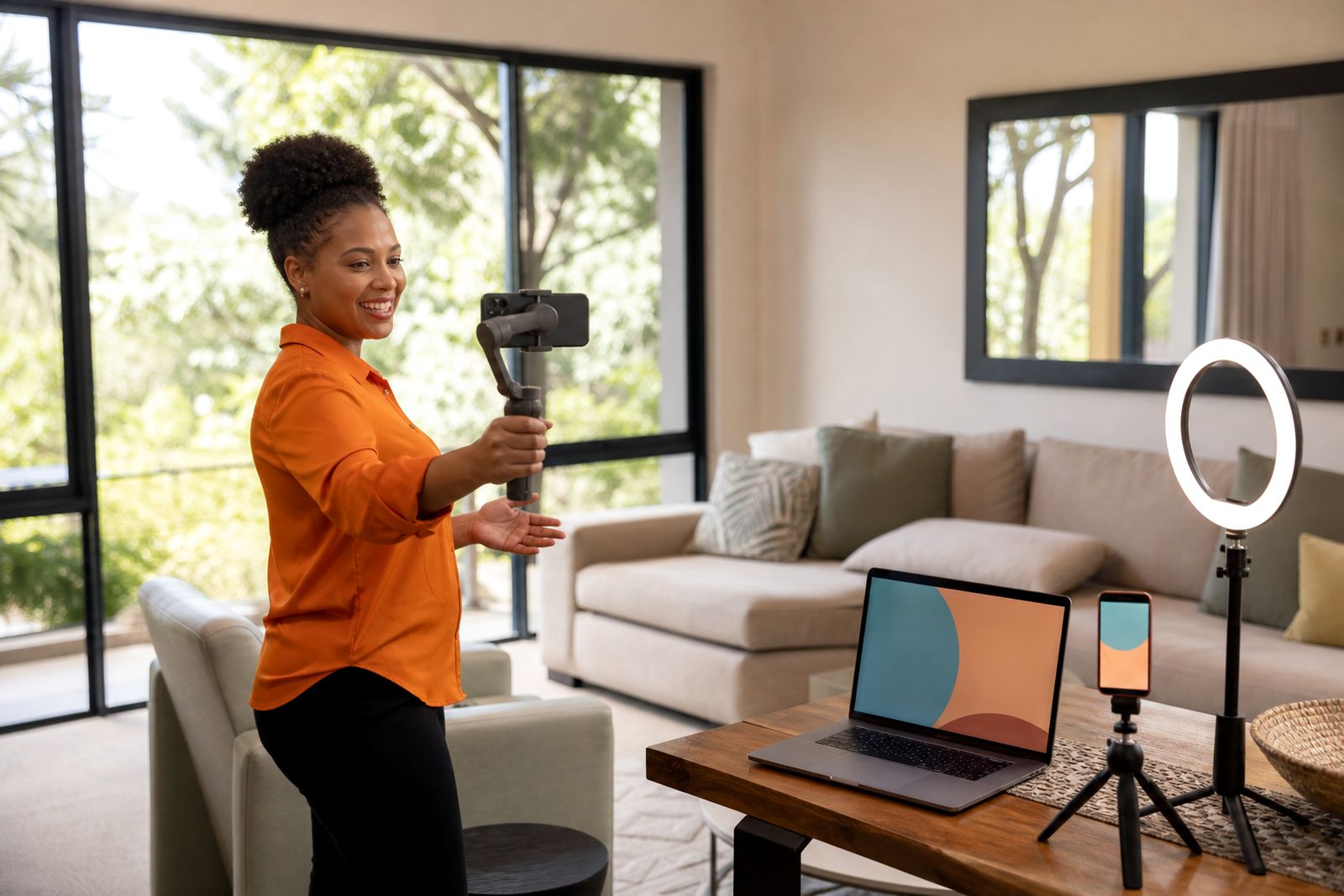
For teams working across provinces, mobile recording is especially useful. A rep can send a quick update from the branch, showroom or listing area without needing extra gear, and that keeps the communication personal not stiff.
What to compare before you roll it out
Most teams do better when they choose one starting workflow and keep it consistent for a few weeks. That gives managers something clear to coach against and helps reps avoid overthinking each send.
- One-to-one or semi-personalised: One-to-one is stronger for valuable opportunities. Semi-personalised works better for scale.
- Browser or phone recording: Browser suits screen share and office follow-up. Phone suits fast replies when reps are moving around.
- Camera only or screen plus camera: Camera only feels direct. Screen plus camera is better when the prospect needs a visual explanation.
- Templates or free-form messages: Templates help teams stay consistent. Free-form can work for experienced reps, but often leads to uneven quality.
- Manager-led rollout or rep-led adoption: Manager-led rollout usually gets better consistency across the team.
If your reps are hesitant on camera, keep the first script very short. A greeting, one relevant point, and a clear call to action is enough. Long videos tend to lose impact and they take too much time to record.
Support for rollout, coaching and day-to-day use
Software alone does not make a team use video well. Reps need a practical routine, managers need visibility, and the team needs a style that feels natural in your market. That is why we include onboarding and coaching focused on sales behaviour rather than production.
We support teams online across South Africa, with on-site onboarding in Gauteng from our Bryanston base where needed. We help managers decide which templates to start with, how to introduce the habit to the team, and how to use tracking and analytics sensibly. We also help reps get comfortable on camera so the message feels conversational and clear.
If you are deciding which page to read next, start with the team type closest to yours, then review the platform features and template pages. That will give you a practical picture of how personalised video fits your sales process from first contact through to onboarding.
What our Video Sales Software customers say
Verified Google reviews
Questions we get asked
Is this for cold prospecting or only existing clients?
It can be used for both. Many teams start with follow-up to existing conversations, then add cold prospecting once reps are more comfortable recording short messages.
Do reps need special camera equipment?
No. The platform is meant for everyday sales use through a browser or phone. We do not sell camera gear, and most teams start with the equipment they already have.
Can you help our sales manager roll this out across the team?
Yes. We help managers with onboarding, template selection, rollout planning and coaching so reps know when to send video and how to keep it short and useful.
Tell us about the job
Send sizes, materials and where you are through our contact form, and we will come back with the practical options.
Open the contact form