

Property and motor sales
Give buyers a clearer first look before they arrive on site. We help property and motor sales teams send personalised video emails that introduce the listing, answer common questions and move the next step along faster.
Built for property and motor sales
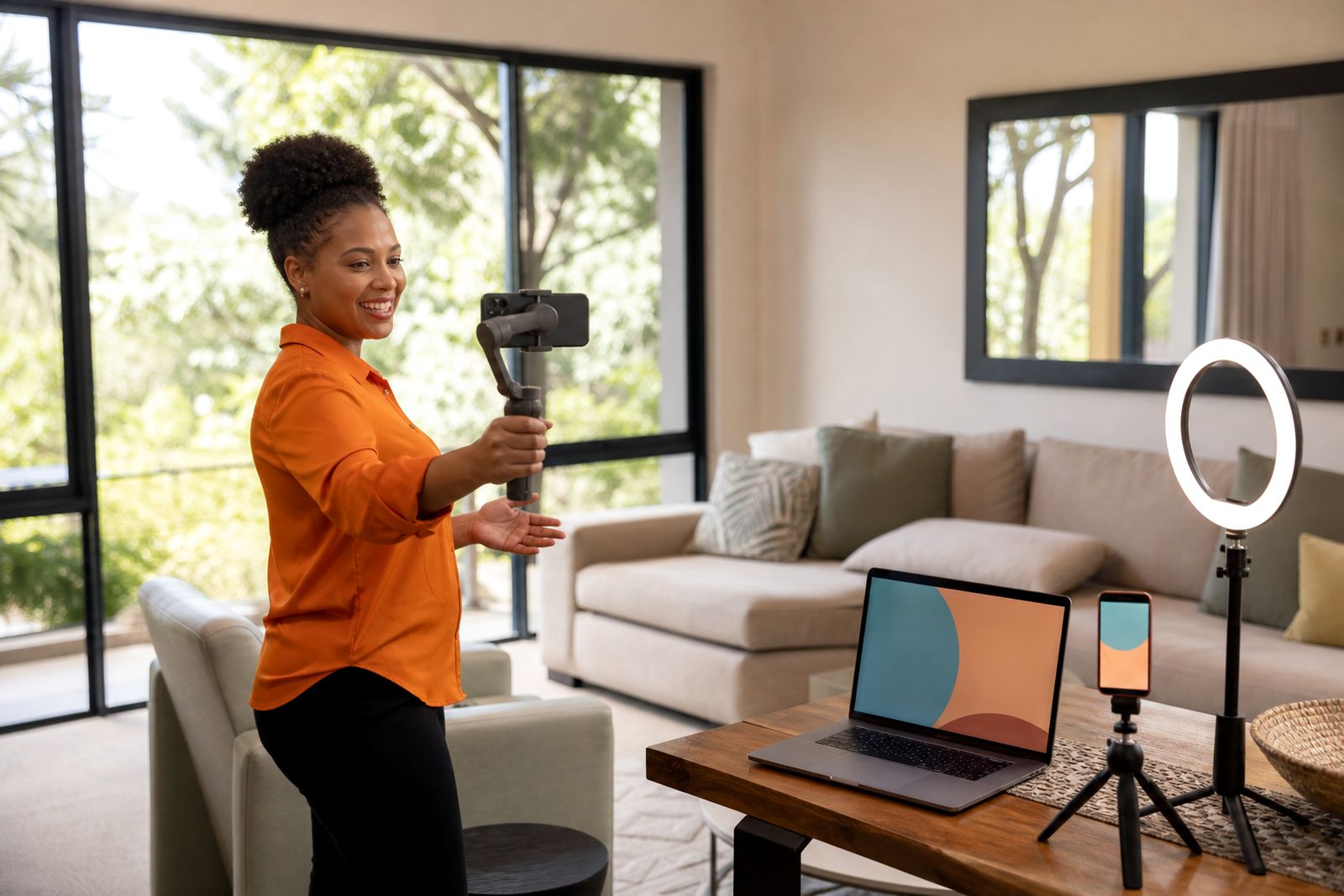
Property and motor sales rely on timing, trust and clear follow-up. A short personalised video helps the rep put a face to the name, point out the right features, and answer the basic questions before a viewing or test drive is booked. Instead of sending only text and photos, the rep can record a quick message, add screen sharing for the listing or spec sheet, and send it from the same workflow they already use for outreach and follow-up.
This service is suited to estate agencies, developments, vehicle sales floors and multi-branch sales teams across South Africa. It works well when stock changes often and buyers are comparing several options at once. The aim is simple: show the home or the car before the visit, and make the message feel personal rather than mass sent.
- One-to-one prospecting videos for new enquiries
- Follow-up videos after a call, showroom visit or show day
- Screen-plus-camera walkthroughs of listings, finance outlines or feature sheets
- Landing pages for each video so the buyer has one clear place to watch and respond
- View tracking so the rep knows when to follow up
What is included
We provide the software, templates and rollout support for sales teams that want to use personalised video email properly. Reps can record from a browser or phone, switch between camera and screen, and send customised messages for each lead or client. Managers can guide usage across the team and see whether videos are being recorded, sent and watched.
For property sales, reps often use video for first response, new listing alerts, price change updates, post-viewing follow-up and handover preparation. For motor sales, common uses include enquiry response, stock arrival alerts, feature walkarounds, trade-in follow-up and finance document explanation. We do not produce polished adverts or run campaigns. This is practical rep-to-buyer communication.
- Recorder for browser and phone use
- Camera-only and screen-plus-camera recording
- Templates for prospecting, follow-up, thank-you and onboarding style messages
- Video landing pages with a clear call to action
- Email and CRM add-ons for simpler sending from existing workflows
- View notifications and team analytics
- Onboarding and on-camera coaching for reps and managers
How the rollout works step by step
We start with a working session to understand your sales process. That includes where the lead comes in, who responds first, what information is normally sent, and where deals tend to slow down. From there we map the points where a short video saves time or improves response quality.
Next we set up the templates your team will use most often. These are usually built around the real stages of your pipeline rather than generic messages. We then onboard the team, show each rep how to record naturally, and help managers set simple usage expectations. In Gauteng, on-site onboarding can be arranged. Teams elsewhere are supported online.
After setup, reps start sending live messages to real leads. Managers and reps can review opens and views, then adjust timing and wording. Most teams do best when they keep videos short and use them at a few high-value moments rather than trying to record everything.
- Discovery session and workflow mapping
- Template setup for your sales stages
- Recorder and sending workflow setup
- Team onboarding and basic on-camera coaching
- Live use with manager check-ins
- Review of view data and follow-up habits
What your team should prepare
The best rollout happens when the team has a few basics ready before onboarding. Property and motor reps do not need studio gear, but they do need a usable workspace, a clear camera angle and a shortlist of the messages they send every day. Good light from a window can work well, though midday glare and backlighting often cause trouble. In noisy showrooms and open-plan offices a simple quiet corner helps a lot.
Each team should also decide who owns templates, who signs off wording, and how follow-up should happen after a buyer watches a video. Load-shedding can interrupt recording, so we usually suggest that reps test both laptop and phone use and keep a backup recording option ready.
- A list of common sales moments, such as first enquiry, viewing confirmation and post-test-drive follow-up
- Sample listing links, feature sheets or vehicle specs for screen sharing
- Basic messaging guidelines and any compliance wording your business requires
- A quiet recording spot with steady light and reliable internet
- Manager input on when a rep should call after a view notification comes in
How pricing is worked out
Pricing is usually based on the shape of the rollout rather than a one-size-fits-all figure. The main factors are how many teams or branches are involved, how much onboarding is needed, whether manager training is included, and whether on-site sessions in Gauteng are required. A small team with one clear use case is lighter to launch than a multi-branch operation with different workflows for property, used vehicles and finance follow-up.
Ongoing support can also affect the scope. Some teams want a straightforward setup and internal ownership after that. Others want regular coaching, template refinement and manager reviews. We will talk through the practical setup and recommend a fit based on your sales process, not on extras you will not use.
Aftercare and ongoing use
Once the team is live, aftercare focuses on habits. Reps usually need a short settling-in period before recording feels natural, and managers often need help deciding what good usage looks like. We support that with follow-up coaching, template adjustments and guidance on how to act on the tracking data without turning the process into admin heavy work.
For property teams, aftercare often means refining listing follow-up messages and improving response speed to portal or web enquiries. For motor teams, it often means sharpening stock introduction videos and test-drive confirmation messages. If a rep is camera shy or talks for too long we help tighten the structure, because shorter usually works better.
When you are ready to discuss your team, send an enquiry through the contact page and we will arrange the next step.
What our Video Sales Software customers say
Verified Google reviews
Questions we get asked
Can this work for individual reps as well as full teams?
Yes. Some clients start with a small sales unit or one branch, then expand once the process is working well and managers are comfortable with the rollout.
Do you create polished promo videos for listings or vehicles?
No. This service is for personalised rep-to-buyer video messages sent by email or linked follow-up, not produced adverts or campaign creative.
Do reps need special camera equipment?
No. Most teams start with the built-in camera on a laptop or a phone. Clear sound, decent light and a tidy background matter more than expensive gear.
Also worth a look

Tell us about the job
Send sizes, materials and where you are through our contact form, and we will come back with the practical options.
Open the contact form