
The video email platform
Our platform gives sales teams one place to record personal videos, send them with the right message and track what happens next. It is built for everyday prospecting, follow-up and onboarding, with practical tools that help reps actually use video not avoid it.
What this platform covers
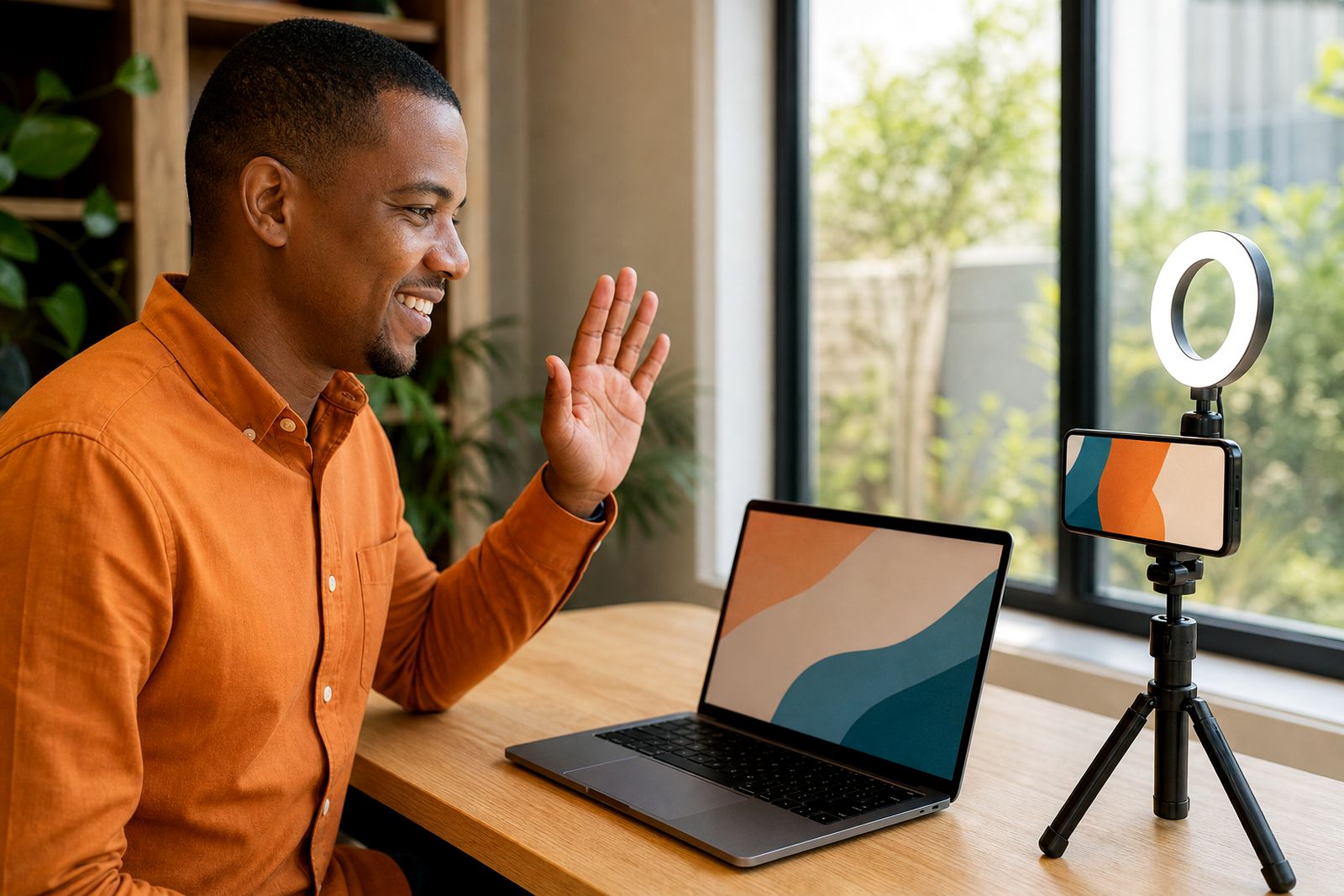
This section brings together the core tools behind personalised video email for sales teams. Instead of juggling separate recording apps, file links and manual follow-ups, reps can work from one platform that handles recording, sharing and basic engagement tracking in a way that suits day-to-day selling.
For teams in Bryanston, wider Johannesburg and across South Africa, that matters because sales work happens in real conditions. Reps are moving between calls, site visits and demos, often on laptops one day and phones the next. The platform is meant for that reality, not a polished studio setup. It supports short, direct messages that feel personal and are quick to send.
- Record from a browser or phone
- Capture screen and camera together where needed
- Send through video landing pages and ready-made templates
- Track views and team activity in one place
- Support rollout with onboarding and coaching
Choose the right recording method
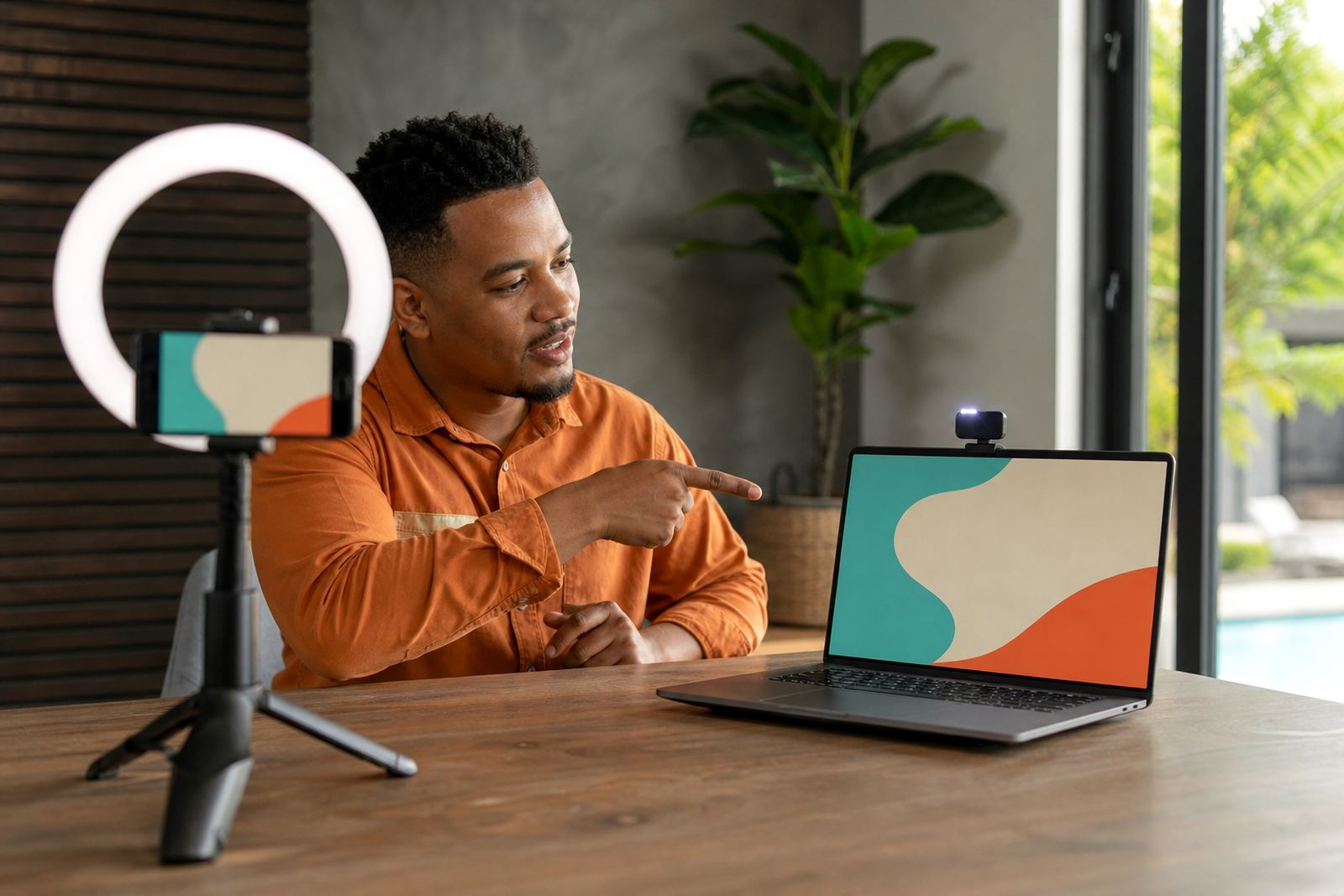
Different sales conversations call for different recording styles. Some messages work best face to camera, especially when a rep is introducing themselves or following up after a meeting. Others need a quick screen walk-through, such as a proposal summary, next-step explanation or product overview. The platform lets teams choose the format that matches the message instead of forcing one approach for everything.
When internet conditions are not perfect, shorter clips usually work better, and reps tend to stay more natural. That is often the sweet spot for South African teams working through load-shedding schedules, shared office space or mobile data constraints.
- Camera only: Best for introductions, check-ins, thank-you messages and relationship building.
- Screen plus camera: Best for proposals, walkthroughs, pricing explanations and account updates.
- Phone recording: Useful when the rep is out of office, at a property, in a showroom or between appointments.
How sending works after recording
Recording the video is only one part of the process. The platform also helps reps send each message in a way that looks clear and easy to open. Instead of attaching heavy files, videos are shared through a landing page designed for viewing, with space for a title, message context and the next action you want the prospect or client to take.
Templates are important here. A rep should not have to rewrite the same outreach structure every morning. Teams can use repeatable layouts for prospecting, follow-up and customer onboarding while still keeping the actual video personal. That balance saves time and keeps communication consistent.
For sales managers this also makes rollout simpler, because there is a clear starting point for new reps and a standard approach to common sales moments.
Tracking and analytics that help managers coach
Once a video is sent, the useful question is not just whether it went out, but what happened after that. The platform includes view tracking and team analytics so reps and managers can see which messages are being opened and watched. That gives teams a better basis for follow-up than guesswork alone.
Good tracking should support action, not create admin. If a prospect viewed a message, the rep knows a follow-up is timely. If a video was not watched, the rep may need a different subject line, a shorter clip or a more relevant opening. Managers can also spot where coaching is needed if videos are being sent but not landing well.
- See whether a video was viewed
- Use activity signals to guide follow-up timing
- Compare adoption across the team
- Identify where script, delivery or message structure needs work
A practical way to choose between the tools
If you are deciding where to start, think about the sales stage first. Most teams get better results when they begin with one or two repeatable use cases, then add more once reps are comfortable on camera. Trying to do everything at once can slow adoption a bit.
- Starting outreach: Use short prospecting templates and camera-led videos.
- Explaining details: Use screen plus camera for proposals, options and next steps.
- After meetings: Use follow-up templates to recap what was discussed.
- Welcoming new clients: Use onboarding videos with a clear next action.
- Manager oversight: Focus on tracking and team analytics from the start.
If your team is new to video, begin with simple follow-ups before moving into more detailed screen recordings. If your sales cycle is already consultative, screen sharing may be the first place to start. There is no need to overcomplicate it.
Platform tools work best with onboarding
Software alone does not make reps confident on camera. That is why this section sits alongside onboarding and coaching. The platform gives the team the tools, while onboarding helps managers roll them out properly and helps reps get comfortable using them in live sales work.
For Gauteng teams we can support on-site onboarding, and for teams elsewhere in South Africa we support rollout online. The aim is practical adoption: how to keep videos short, how to sound natural, how to frame a message and how to fit video into an existing sales process without adding unnecessary steps.
If you are browsing this platform section, the easiest next step is to look at the pages on screen and camera recording, tracking and analytics, and the template options. That will help you decide which combination suits your team’s sales process best.

What our Video Sales Software customers say
Verified Google reviews
Questions we get asked
Do you provide the software as well as training?
Yes. We provide the platform for recording, sending and tracking video emails, and we also help teams with onboarding, rollout and on-camera coaching.
Can reps record from both a laptop and a phone?
Yes. The platform supports browser-based recording as well as phone recording, so reps can send personal videos whether they are in the office or out with clients.
Is this for advert production or campaign management?
No. This platform is for sales teams sending personalised video messages to prospects and clients. We do not produce adverts, run ad campaigns or sell camera equipment.
Tell us about the job
Send sizes, materials and where you are through our contact form, and we will come back with the practical options.
Open the contact form