

Screen and camera recording
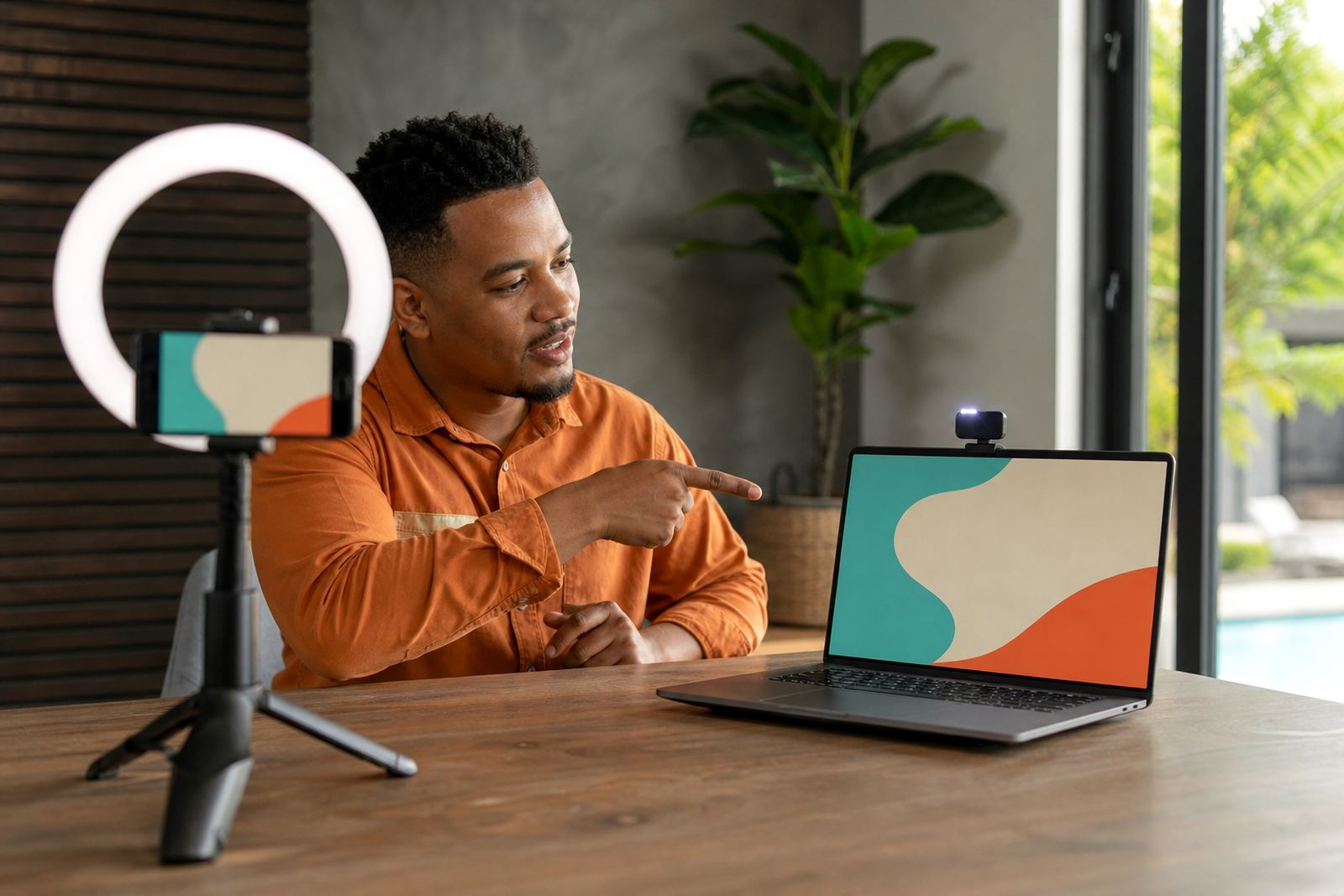
Show the document, quote or walkthrough on screen while your prospect still sees you speaking. Screen and camera recording helps sales reps explain the next step clearly without booking another meeting.
What screen and camera recording does
This feature lets a sales rep record their screen and webcam in one message, then send that video as part of a personalised sales workflow. It is useful when a plain text email is not enough and a full live call is unnecessary. Instead of asking a prospect to read through a long attachment alone, the rep can talk them through the key points while highlighting sections on screen.
The most common use cases are proposal walk-throughs, quote explanations, software demos, onboarding steps and follow-up after a meeting. A small camera window keeps the message personal while the main screen area carries the detail. That matters in South African sales teams where inboxes are crowded and buyers often open email between site visits, traffic stops or back-to-back calls.
- Record browser tabs, a full screen or a selected application window.
- Show the rep on camera at the same time for trust and context.
- Share a landing page link instead of a large video attachment.
- Use it for prospecting, follow-up, onboarding and renewal conversations.
Recording options and practical limits
Reps can record from a browser on a laptop or from a phone when they need a quick face-to-camera update. For screen-and-camera messages, a laptop or other computer is usually the better option because it gives cleaner screen capture and easier control of tabs, files and prompts. The camera view normally appears as a picture-in-picture window that sits over the shared screen.
The best recordings are short and focused. For most sales use, aim for about 45 seconds to 3 minutes. Longer videos can work for onboarding or detailed proposals, but attention usually drops if the rep tries to cover everything in one go. It is better to break a complex explanation into two short messages than one rambling one, especially if the internet line is under pressure.
- Best for short walkthroughs with one clear action at the end.
- Works well for PDFs, slide decks, browser demos and pricing discussions.
- Less suitable for highly sensitive screens with confidential third-party data visible.
- Less suitable for polished advert-style production with editing, music or multiple scenes.
Where it suits sales teams best
Screen and camera recording is especially useful for B2B sales teams that sell a service, system or high-consideration product. If your reps send proposals, answer objections, explain changes, or need to show a client exactly where to click, this format saves time and reduces friction. Managers also use it internally to coach reps and standardise messaging across a team.
We see good fit in teams that work across provinces and cannot always get in front of the buyer quickly. A rep in Bryanston can send a clear walk-through to a prospect in Cape Town, Gqeberha or Mbombela without waiting for diary space. It also helps when a stakeholder missed the live meeting and needs a recap they can watch later.
It is not a replacement for every sales call. If the matter is highly negotiated, emotional, or likely to turn into a detailed discussion, a live conversation is still the better route. The recorded video should move the sale forward not trap the buyer in a one-way explanation.
What your team needs to use it well
There is no complicated on-site installation for the recording feature itself, but the team does need a practical setup. Reps need a computer with a working camera and microphone, a current browser, and a stable internet connection for uploading and sending. If your team works through load-shedding, a charged laptop and backup connectivity help avoid failed uploads and broken momentum.
A quiet space matters more than fancy equipment. Good daylight or a simple lamp facing the rep is normally enough. The screen being shared should be tidy before recording starts. Close unrelated tabs, mute pop-ups and check that client-sensitive information is not visible. Coastal teams should also keep an eye on microphones and ports if devices are stored in humid air, as sound quality often drops before users notice why.
- Use a laptop camera at eye level where possible.
- Test microphone volume before the first team rollout.
- Keep the background neutral and free of confidential paperwork.
- Have a backup hotspot ready for load-shedding periods.
Day-to-day use, upkeep and coaching
The software side needs very little maintenance from the user, but consistency depends on habits. Reps should keep their browser updated, review permissions for camera and microphone access, and do a short test recording after any device change. Managers should also set simple team rules for video length, naming, and when to use a template versus when to record from scratch.
On-camera confidence is usually the bigger barrier than the technology. That is why rollout works best when the team gets examples, scripts and practice rather than being told to "just send videos". A good routine is to start with follow-up messages after meetings, then add proposal walk-throughs, then prospecting once the team is more comfortable. Most reps improve quickly once they stop trying to sound perfect and focus on being clear.
If recordings start feeling flat, the fix is usually simple: shorter openings, better lighting, and one clear next step. It doesnt need studio production, it needs a rep who sounds useful and prepared.
What to tell us when you enquire
When you contact us through the enquiry form, give us enough detail so we can recommend the right setup for your sales environment. We support teams across South Africa online, with on-site onboarding in Gauteng where needed. The clearer your starting point, the faster we can advise on rollout and coaching.
- How your sales team works now, including remote, office-based or hybrid.
- Whether you need browser recording only, phone recording too, or both.
- The main use case: prospecting, follow-up, proposals, onboarding or internal coaching.
- Whether reps need to show PDFs, slide decks, websites, portals or product demos.
- If you need manager visibility into views and team activity.
- Whether you want help with onboarding, scripts and getting reps comfortable on camera.
If you already know where the friction is, tell us that too. For example, reps may avoid video, buyers may ignore long emails, or managers may need a more consistent follow-up process. That context helps us guide you properly from the start.
What our Video Sales Software customers say
Verified Google reviews
Questions we get asked
Can reps record a quote or proposal and explain it section by section?
Yes. That is one of the strongest uses for screen and camera recording. The rep can share the document on screen, talk through the main points and highlight the next action without forcing the buyer into another meeting.
Does this replace live sales calls?
No. It works best between live conversations, after meetings, or when a buyer needs a clear recap. If a matter needs negotiation or detailed back-and-forth, a live call is still the better option.
What if our team is nervous on camera?
That is common. We help teams with onboarding and coaching so reps can keep videos short, natural and useful. Most people settle once they have a simple structure and a few safe practice runs.
Also worth a look


Tell us about the job
Send sizes, materials and where you are through our contact form, and we will come back with the practical options.
Open the contact form