

Team rollout
Rolling out personalised video across a sales team takes more than switching software on. We handle the set-up, integration checks, launch sessions and first-week support so reps can start sending with confidence.

What team rollout includes
Team rollout is our hands-on onboarding service for sales teams that want a clean start with personalised video email. We configure the workspace, help connect the tools your reps already use, load the right templates and guide managers on how to introduce video into the team’s daily workflow. The aim is simple: less confusion on day one, faster adoption and better quality messages going out to prospects and clients.
This service is suited to teams in Bryanston and wider Johannesburg that want on-site onboarding in Gauteng, as well as teams elsewhere in South Africa who prefer online sessions. We support browser recording and phone recording, including screen-plus-camera messages for demos, proposals and follow-ups.
- Workspace set-up and user readiness checks
- Connection of email and CRM add-ons where needed
- Template loading for prospecting, follow-up and onboarding
- Manager guidance on rollout order, usage rules and internal ownership
- Live launch session for reps
- First-week support after go-live
How the rollout works step by step
We keep the process structured so your team knows what is happening and when. Before launch, we run a short planning call with the sales manager or team lead to understand team size, selling motion, common use cases and any technical restrictions. From there we prepare the rollout plan and schedule the onboarding sessions.
Next comes technical set-up. We check login access, browser permissions, camera and microphone basics, and any connection points needed for email workflows or CRM activity logging. If your team uses both office and mobile devices we cover both, which avoids the usual day-one issues that slow reps down.
We then move into the working session with the team. Reps are shown how to record, review, trim if needed, choose a template and send a message with a clear call to action. Managers are shown where to view activity, how to spot early usage gaps and how to coach without making the process heavy.
- Planning call and rollout checklist
- Technical preparation and permissions check
- Template and landing page set-up
- Live team onboarding session
- Manager handover and usage guidance
- First-week support and follow-up review
What your team should prepare before go-live
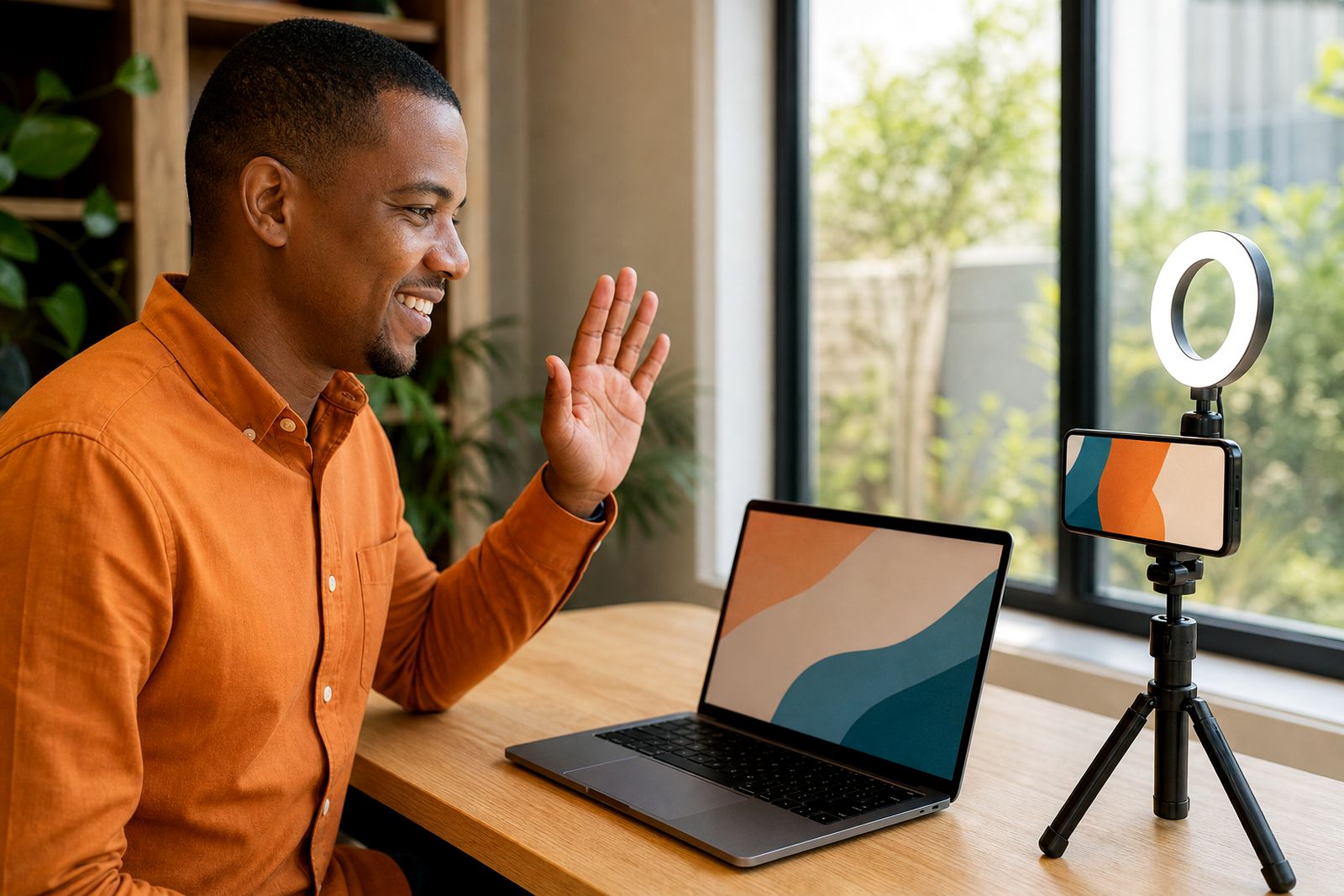
A smoother launch starts with a little preparation from your side. We do not need a studio setup or special camera gear, but each rep should have a quiet enough workspace, a working webcam or phone camera, and a headset or microphone that is clear enough for client-facing messages. Good natural light helps, and a plain background usually works best.
On the content side, the manager or sales operations contact should decide which message types matter first. Most teams start with cold prospecting, post-meeting follow-up and client onboarding. Having these priorities agreed upfront saves time and keeps the first week focused, which makes adoption easier.
- A list of reps and managers joining the rollout
- Preferred launch dates and session times
- Your first three video use cases
- Access to any systems that need add-ons or connection checks
- Internal guidance on tone, branding and approval if applicable
- A contact person for technical questions on your side
Templates, integrations and practical specs
Every rollout includes practical configuration around how your team will actually use the platform. We can prepare template sets for prospecting, thank-you messages, quote walk-throughs, proposal follow-ups and onboarding handovers. Where relevant, we also configure video landing pages so recipients have a simple viewing experience on mobile and desktop.
Integrations are handled in a practical way. We check whether your reps need email add-ons, CRM logging or both, then test the expected flow from recording to send to tracking. If your company has browser restrictions, security prompts or firewall rules the internal IT contact should be available during set-up because these items can affect launch timing a bit.
- Browser-based recording and phone recording supported
- Screen-plus-camera recording for demos and walk-throughs
- Template categories matched to your sales process
- Video landing pages for cleaner recipient viewing
- View tracking and team analytics enabled where required
- Online delivery across South Africa, with on-site onboarding in Gauteng
How rollout pricing is worked out
Pricing for team rollout is based on the amount of onboarding and support required rather than a one-size-fits-all figure. The main factors are the number of sessions needed, whether delivery is online or on-site in Gauteng, the level of integration support, and how much template preparation is required before launch. A smaller team with a straightforward process usually needs less time than a multi-role team with sales managers, account managers and onboarding staff all joining.
We also consider whether you need one launch session or separate sessions by role, plus whether first-week support is light-touch or more involved. If travel is required for on-site onboarding in Gauteng that is allowed for in the scope. We explain the recommended rollout format clearly before work starts, so there are no surprises later.
Aftercare and first-week support
The first week matters because that is when habits form. After go-live we stay available to help with common early questions like camera confidence, message length, recording flow, template choice and minor technical snags. Managers also get guidance on what to watch for in the first few days, such as who has started sending, who is recording but not sending yet, and which templates are getting used.
Once the team has settled, we can recommend the next coaching focus based on what we see during rollout. For some teams that means tightening scripts. For others it means improving sound, reducing overlong videos, or making follow-up messages more specific. It is practical support, not theory and it helps reps get comfortable quickly.
If needed, we can also point your team to our broader onboarding and coaching services for deeper on-camera support after the initial launch.
What our Video Sales Software customers say
Verified Google reviews
Questions we get asked
Can you roll out the platform to a remote team across South Africa?
Yes. We support remote rollout online for teams anywhere in South Africa, with live sessions, set-up guidance and first-week support. If your team is in Gauteng and you want in-person onboarding, we can arrange that as part of scope.
Do we need special filming equipment before onboarding starts?
No. Most teams start with a laptop webcam or phone camera and a basic headset. Clear audio, decent light and a tidy background matter more than expensive gear.
What if our reps are nervous about being on camera?
That is common. During rollout we show reps a simple recording flow, help them keep messages short and practical, and give managers a clear way to encourage adoption without putting too much pressure on the team.
Also worth a look



Tell us about the job
Send sizes, materials and where you are through our contact form, and we will come back with the practical options.
Open the contact form